
Choose one clear photo
Use a photo of one adult with a visible face. Confirm you have permission to use it.
YOUR PHOTO. A PARTY ENTRANCE.
Make an entrance worth sharing.
Put yourself in a Burning Bridges style party video from one clear adult photo. A preset clip guides the moves; you get a silent MP4 to review, download and share.
About 18 seconds · Silent MP4 · Packs from $9.99
One adult photo · Optional style notes · Sign in to generate
How to make your party video: step-by-step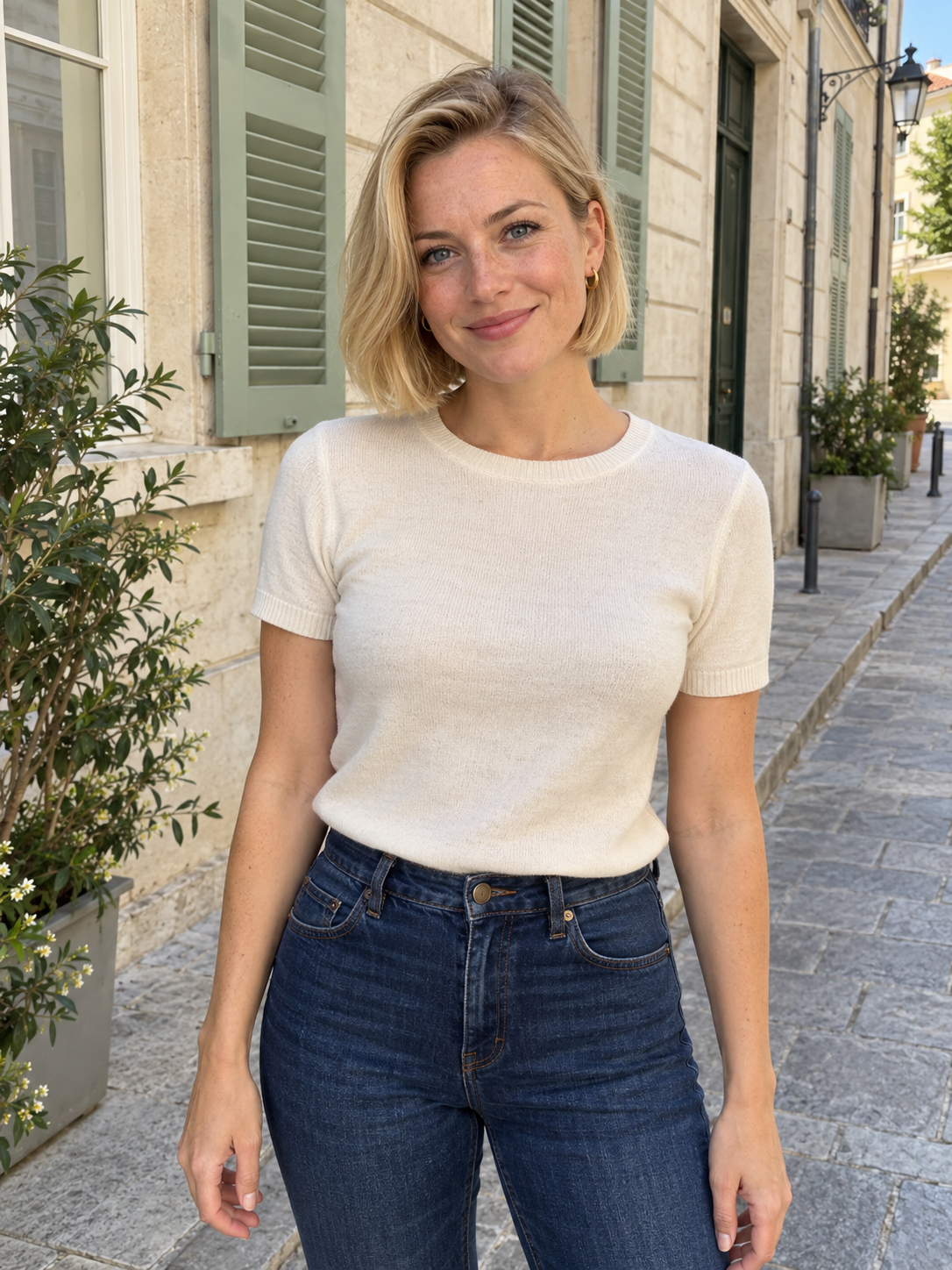
Fictional source portrait
Earlier Pro motion test · 18 seconds · Silent. Made from a prepared party image, using the fictional portrait shown here. The current studio uses your photo directly in Standard mode, so results can differ.
The trend puts a new lead into a party performance inspired by Drake’s Burning Bridges video: a handheld camera, a collar gesture, a hand over the eyes, a wave and a look into the lens. Our studio uses your photo and a preset motion reference to make a new version.
The motion is a guide. The party setting, face and background details can change, and the original song is not included.
The Burning Bridges trend, explainedA focused workflow for your next party entrance.
Use a photo of one adult with a visible face. Confirm you have permission to use it.
Generate with your photo and our preset motion video. You can add optional style notes.
Check the progress in your library, then preview and download your completed silent MP4.
These are the beats requested by the studio. Watch the existing test to judge the style; individual results can vary.
01
The lead reaches toward their shirt collar. A visible neckline helps you judge this moment in the result.
02
The lead turns toward the crowd while the handheld camera follows the performance.
03
A hand rises above the eyebrows like a visor. Check that the face stays recognizable as it moves.
04
An open-palm wave leads into a direct look at the camera. Review fingers and expression before sharing.
Keep the face visible, choose natural lighting, and describe one consistent visual style.
Use one adult with an unobstructed face. Avoid sunglasses, heavy blur, and multiple people.
The party motion comes from a studio reference. Use your optional notes for clothing, lighting, and mood.
Choose one mood and one setting. Combining many scenes can make the result harder to control.
Pay once for 1, 3, or 10 videos. No monthly subscription.
Each generation reserves 100 credits. AI results vary.
One video
$9.99 per generation
100 credits
Three videos
$8.33 per generation
300 credits
Ten videos
$7.00 per generation
1,000 credits
Sign in to purchase and keep your videos in one library.
Each accepted generation reserves 100 credits. Unused credits never expire; confirmed failed or canceled tasks return the reserved credits. Credit returns are separate from payment refunds.
Answers to common questions and how credits work.
Photo problems, posting steps and support
Explore photo selection, the video workflow, and ideas for your next clip.
The studio delivers a silent MP4 with photo-based framing. Add a caption and an audio track you can use in your editor or posting app; reframe if you need a vertical version.
Follow the download-to-post guideStart with one photo and create a party clip you can make your own.
Open the AI Studio